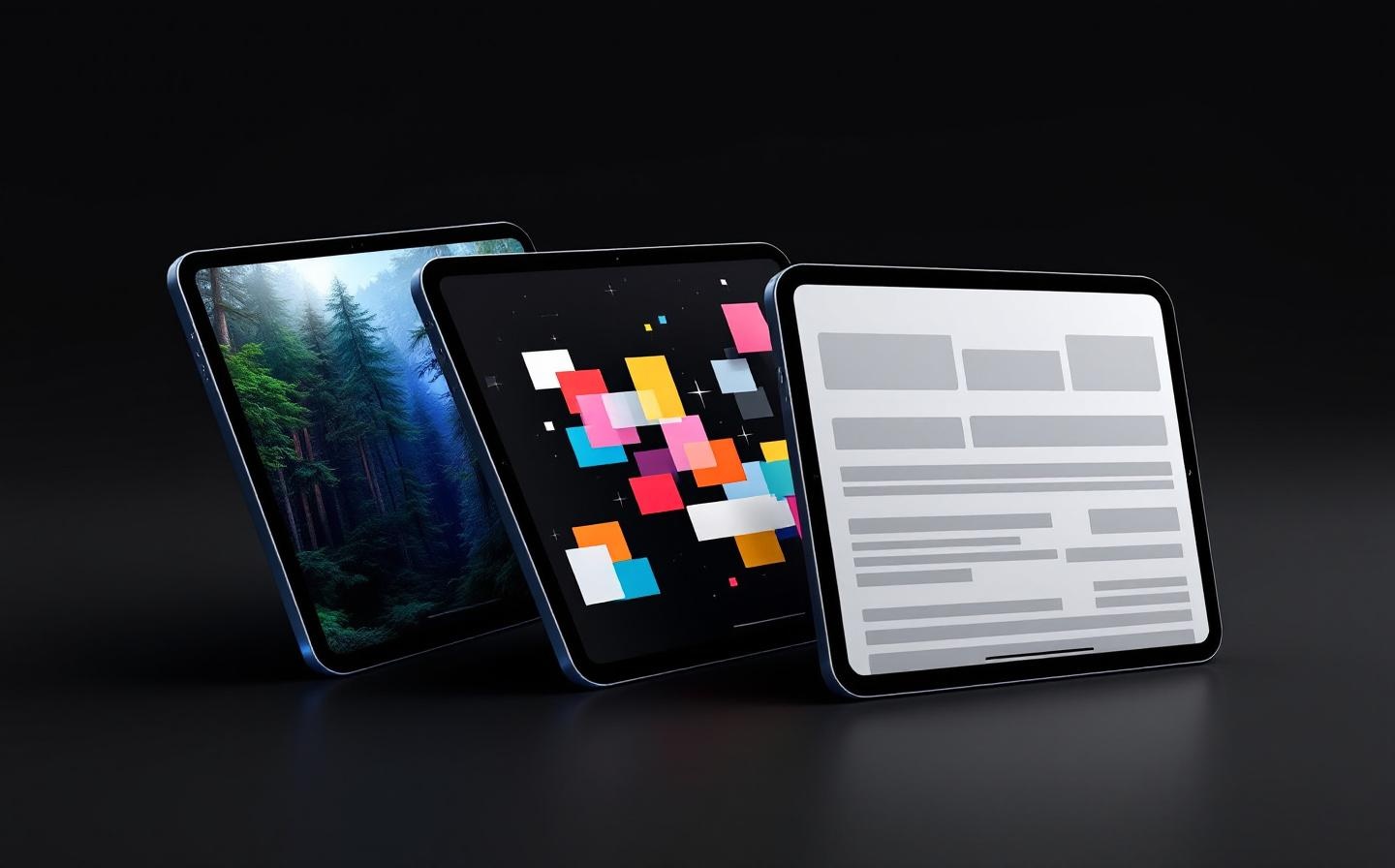
Built for operators who need reliability. Configure once, leave it running.
Fullscreen Display
The whole screen is your content. No browser chrome, no status bar, no way for a visitor to wander off. Just your display, edge to edge.
Hidden Operator Controls
A configurable gear button sits quietly in the corner. Tap it to access settings. Your audience never sees operator UI.
Idle Screensaver
After configurable inactivity, the display fades to a clean clock overlay. Tap anywhere to resume. Looks great on public displays.
Web, Images, PDFs & Galleries
Display a live website, a fullscreen photo, a multi-page PDF, or a rotating photo album — all from the same app. Switch content type any time from settings.
Security & BrandingPro
Lock navigation to approved domains, remove KioskFrame branding, and passcode-protect settings. Your kiosk, your rules.
Multi-Language
The entire operator interface is available in English, Spanish, German, French, and Japanese. Switch instantly from settings — no restart needed.
How it works
Up and running in 3 steps.
No IT team required. Configure directly on the device.
Install the app
Download KioskFrame from the App Store on any compatible iPhone or iPad. Free tier is ready to use immediately.
Choose your content
Open settings via the gear button. Pick a content type — website URL, local image, PDF, or photo gallery — and configure corner placement and screensaver timeout.
Lock it down
Dismiss settings and the device becomes a fullscreen kiosk. No browser chrome, no way out — just your content.
Leave it running
The screensaver activates when idle, the display auto-reloads on connection issues. Unattended is the goal.
Free vs Pro
Everything you need to get started — free.
Upgrade to Pro when you want advanced display automation, branding control, and richer content modes.
Feature
Free
Pro
Fullscreen Display
Fullscreen web kiosk (no browser chrome)
✓
✓
Single image display (Fit / Fill)
✓
✓
PDF viewer (first page)
✓
✓
Keep screen awake
✓
✓
Hide status bar
✓
✓
Hidden Operator Controls
Configurable gear-button corner
✓
✓
Clear cache & cookies
✓
✓
Reset to defaults
✓
✓
Passcode-protect settings
—
✓
Idle Screensaver & Scheduling
Idle screensaver (Modern, Retro, All Black)
✓
✓
Auto-reload after idle
✓
✓
Active hours mode
✓
✓
Camera-based wake detection
✓
✓
Web, Images, PDFs & Galleries
Photo gallery slideshow
—
✓
PDF multi-page slideshow (3 transitions)
—
✓
Bookmarks / quick URL switching
—
✓
Scheduled auto-reload (1–60 min)
—
✓
Security & Branding
JavaScript allow / deny
✓
✓
Navigation hostname whitelist
✓
✓
Read-only mode (block all interaction)
—
✓
Scrollable web content toggle
—
✓
Remove "Powered by KioskFrame" badge
—
✓
Multi-Language Interface
5 languages (EN, ES, DE, FR, JA)
✓
✓
Instant in-app language switching
✓
✓
Page zoom (50%–200%) with centering
—
✓
Pricing
Simple pricing. One app per device.
Start free. Upgrade when you need Pro features. No subscriptions required if you go lifetime.
Free tier included — the core kiosk browser is free. No time limit, no credit card required.
FAQ
Common questions.
Everything you need to know about turning an iPad or iPhone into a kiosk display.
Install KioskFrame, set a URL or content source, then enable Guided Access on the device (Settings → Accessibility → Guided Access). KioskFrame fills the screen and hides all navigation — the operator gear button is the only way to access settings, protected by an optional PIN.
Yes. KioskFrame turns any iPhone or iPad into a single-purpose display for websites, images, PDFs, or photo gallery slideshows. It's used for restaurant menus, reception screens, museum exhibits, trade show displays, and more.
Yes — KioskFrame is a standalone app from the App Store. No MDM enrollment, no Apple Configurator, no enterprise certificates. Install it, configure your content, and pair with Guided Access for full lockdown.
Websites (fullscreen browser), single images (from Photos or a URL), PDFs (with auto-page rotation), and photo gallery slideshows. Pro adds zoom control, interaction locking, and page selection.
Combine KioskFrame with iOS Guided Access (Settings → Accessibility → Guided Access). This disables the Home button, gestures, and notifications. KioskFrame handles the content; Guided Access handles the device lockdown.
The core kiosk browser is free with no time limit. Pro ($4.99/mo or $49.99/yr) adds PIN protection, branding removal, zoom control, gallery mode, and URL whitelisting. A lifetime option is also available.
Yes — install KioskFrame on each device independently. Each device has its own content configuration. There's no fleet management requirement; this is a display app, not an MDM.
Guided Access locks the device to one app but doesn't control what's displayed inside the app. KioskFrame controls the content (which URL, image, or PDF to show), the display mode (fullscreen, zoom, scroll lock), and the operator experience (hidden gear button, PIN, screensaver). They work best together.
Ready to set up your kiosk?
Download free on iPhone or iPad and have your first kiosk running in minutes.